

Online Privacy
- Nov 30, 2021
- 2 min read
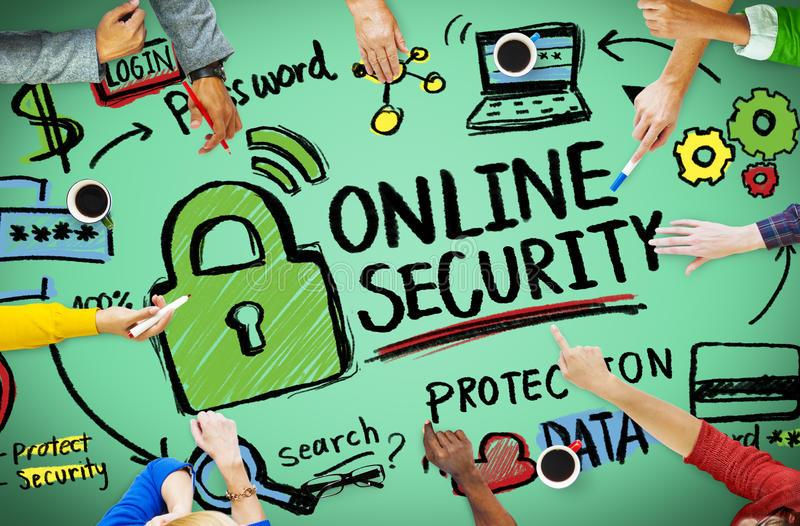
What steps can you take to make sure you have control of your online information?
When you go online companies can be collecting information about you your age where you live and your interests these are called tracking cookies. First-party cookies make your online experience more enjoyable and functional. Third-party cookies or tracking cookies are used by search engines and online advertisers to collect information about you and to change your browsing experience and invade your privacy. As an online user be careful what you click on and make sure your password's privacy settings are set up and block tracking devices that are invading your privacy online. Build a secure online identity and digital foot print.
Why is it important to lock privacy settings and set strong passwords?
Setting a strong password is important because if you lose your phone or someone has access to your phone they can log into your account and access your contacts, texts, web services, and social media apps. They can impersonate you and send messages from your account. Locking your privacy settings also ensures people cannot access your accounts and first party and third-party cookies cannot have access to your personal information.
How can you make sure the information you post doesn’t give the wrong impression of who you are in real life?
To ensure the information posted does not give the wrong impression of real-life representation only post things you want people to know and things that represent who you are. Build a secure online identity. Also, be selective about what you post and know who your friends are online. Less is best.
What sort of information is best left offline?
Personal information, personal pictures, details on your location if you are away. Think before you share information online especially if it involves other people, personal thoughts pictures, and videos of us and friends
How can you learn about the privacy risks of new technologies, such as online gaming devices, before you use them?
When setting up new technology and online gaming devices it is important to read the fine print and set up your privacy setting. By aware that the information you put up about yourself on or online profile and username is visible and available to anyone you play a game within the multiplayer mode.
Discuss the importance of taking steps to protect your privacy on mobile devices.
• Think before you click!
• Know who your friends are
• Tighten your privacy settings
• Avoid disclosing your location
• Don’t share your password
• Trust your instincts
• Understand new features such as geo-tagging before you try them
• Be aware of your online reputation
• Protect your privacy, as well as that of your friends
• Be discreet
Question:
Digital citizenship is part of the curriculum in grade 6 but students are exposed to online gaming, chat groups, texting, email, and various other applications before grade 6. As educators should we talk about the importance of digital citizenship and in younger grade levels?
References Office of the Privacy Commissioner of Canada. (2017). Social smarts, privacy, the internet and you. https://www.priv.gc.ca/media/3609/gn_e.pdf.


Comments